Day 20 — Angular SSR: Server-Side Rendering & SEO Mastery
📘 Day 20 — Angular SSR: Server-Side Rendering & SEO Mastery
Zero to Hero — Hands-on Angular Tutorial
Today you will learn:
- ✔️ What is CSR vs. SSR?
- ✔️ Why SEO (Search Engine Optimization) needs SSR
- ✔️ Enabling Hydration (The Angular 17/18+ Game Changer)
- ✔️
ng add @angular/ssr - ✔️ Handling Server-Side vs. Client-Side logic
- ✔️ TransferState: Preventing double API calls
By default, Angular is a Client-Side Rendered (CSR) framework. This is great for apps, but bad for Google/Facebook bots. Today, we fix that. 🚀
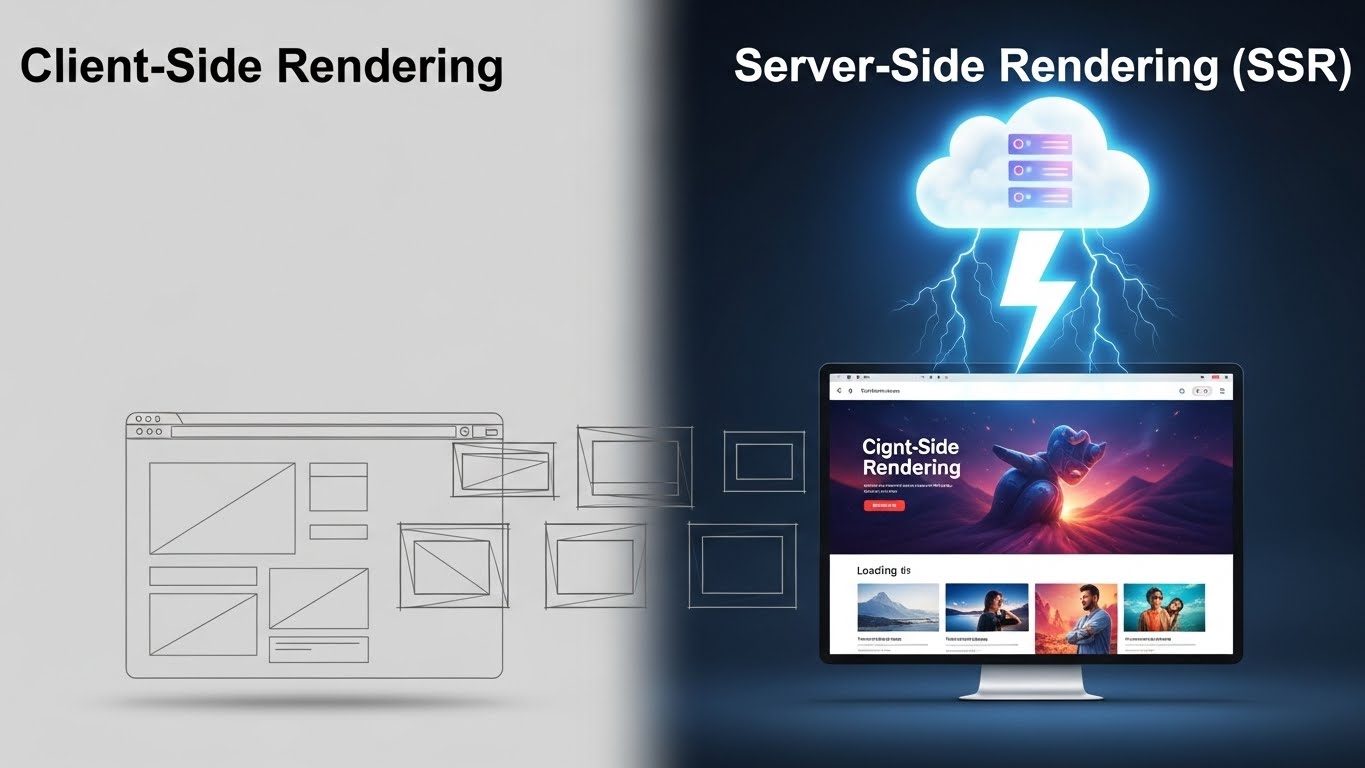
🟦 1. CSR vs. SSR: The Difference
Client-Side Rendering (Default)
- Browser loads an empty
index.html. - Also loads a huge
main.js. - JS runs, fetches data, and then creates the HTML.
- Problem: Google Bot might see a blank page. First load feels slow on 3G.
Server-Side Rendering (SSR)
- Server (Node.js) runs Angular logic immediately.
- It generates the full HTML with data populated.
- Browser receives a “Ready to view” page instantly.
- Angular wakes up (“Hydrates”) and takes over interaction.
- Benefit: Instant First Contentful Paint (FCP) + Perfect SEO.
🟩 2. Enabling SSR in Angular
In strict new Angular versions, you might already have it. If not, it’s one command:
ng add @angular/ssrThis updates your project:
- Creates
server.ts(The ExpressJS web server). - Updates
angular.jsonto build a server bundle. - Updates
app.config.tsto enable Hydration.
Run it:
npm run dev
# OR
npm run serve:ssr:my-app
View “Page Source” in Chrome. You will now see real HTML content, not just <app-root></app-root>.
🟧 3. What is Hydration?
Before Angular 16, adding SSR was “Destructive.”
- Server sends HTML.
- Angular loads in browser.
- Angular destroys the server HTML and re-renders entirely from scratch (Flicker effect).
Hydration (New & Awesome):
- Server sends HTML.
- Angular loads.
- Angular reuses the existing DOM nodes and just “attaches” event listeners (click handlers).
- No flicker. Super fast. ⚡
Enable it manually (if needed):
app.config.ts:
import { provideClientHydration } from '@angular/platform-browser';

export const appConfig: ApplicationConfig = {
  providers: [
    provideRouter(routes),
    provideClientHydration() // 👈 This enables the magic
  ]
};
🟥 4. The “Window is not defined” Error
This is the #1 bug in SSR.
Node.js (Server) does not have window, document, or localStorage.
If you do this, your server will CRASH:
constructor() {
  console.log(window.innerWidth); // ❌ CRASH on Server!
}
Solution 1: Check Platform
import { PLATFORM_ID, Inject, Component } from '@angular/core';
import { isPlatformBrowser } from '@angular/common';

@Component({...})
export class MyComponent {
  constructor(@Inject(PLATFORM_ID) private platformId: Object) {
    if (isPlatformBrowser(this.platformId)) {
      console.log(window.innerWidth); // ✅ Safe (Runs only in Browser)
    }
  }
}
Solution 2: afterNextRender (Modern)
Code inside this hook only runs on the browser.
import { afterNextRender } from '@angular/core';

constructor() {
  afterNextRender(() => {
    localStorage.setItem('key', 'value'); // ✅ Safe
  });
}
🟫 5. Preventing Double API Calls (TransferState)
Scenario:
- Server calls API
/usersto generate HTML. - Browser shows HTML.
- Angular Hydrates, initializes component… and Calls API
/usersAGAIN.
Solution: use provideHttpClient(withFetch()) which enables caching automatically in newer Angular versions, OR use TransferState.
Modern Angular (v17+) with Hydration enabled handles request caching much better smartly, often preventing the flicker automatically if withFetch() is enabled.
app.config.ts:
import { provideHttpClient, withFetch } from '@angular/common/http';

export const appConfig: ApplicationConfig = {
  providers: [
    provideHttpClient(withFetch()), // 👈 Enables server-side fetch caching
    provideClientHydration()
  ]
};
🎉 End of Day 20 — What You Learned
Today you unlocked “Enterprise Mode” for your app:
- ✔️ SSR: Rendering HTML on the server for speed & SEO.
- ✔️ Hydration: Reusing DOM nodes seamlessly.
- ✔️ Platform Checks: Avoiding
windowcrashes on the server. - ✔️ Caching: Efficient API data transfer.
Your app is now Google-friendly and lightning fast on load. 🏎️
🧪 Day 20 Challenge
“SEO Audit”
- Add
@angular/ssrto your project. - Create a “Meta Service” using
MetaandTitlefrom@angular/platform-browser. - On the User Details page, dynamically set the Page Title to the User’s Name (e.g., “Profile: Alice”).
- Run the app in SSR mode.
- View Page Source and verify the
<title>Profile: Alice</title>is physically there (not just JS generated).