

Day 1: The Hypermedia Mindset
Why htmx? Understanding Hypermedia Driven Architecture (HDA) and sending your first request.

Day 2: Trigger Happy
Mastering interactions. Click, change, load, revealed, and modifiers like delay and throttle.

Day 3: Targeting Elements
Precision updates. Using hx-target to update specific parts of the DOM.
Day 4: The Art of the Swap
How content is replaced. innerHTML, outerHTML, beforebegin, and afterend.

Day 5: Parameters & Payloads
Sending data to the server. hx-vals, hx-include, and form submissions.

Day 6: Loading States
Polishing the UX. Using hx-indicator to show spinners and disable buttons during requests.

Day 7: Out of Band Swaps
Updating multiple things at once. The power of hx-swap-oob.

Day 8: CSS Transitions
Animating the web. Using View Transitions API and CSS classes with htmx.

Day 9: Client-Side Scripting
A pinch of JS. Handling events with htmx:afterSwap and _hyperscript/Alpine.

Day 10: Server-Side Validation
Handling errors. 422 statuses, OOB error messages, and keeping forms usable.

Day 11: Infinite Scroll & Lazy Load
Patterns that stick. Implementing modern UI patterns with zero client logic.
Day 12: Click-to-Edit
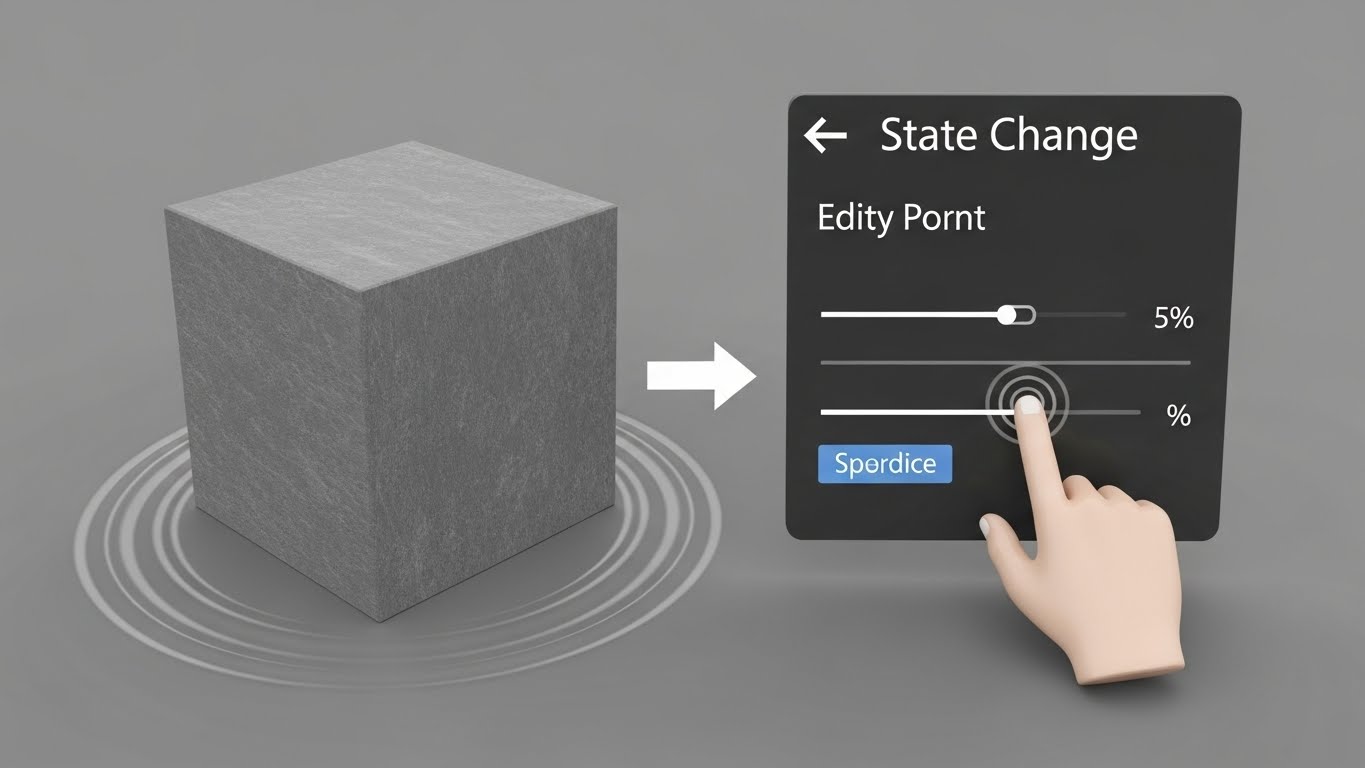
State editing patterns. Transforming static text into forms and back again.

Day 13: Tabs & Active Search
Complex UI patterns. Building tabbed interfaces and real-time search filtering.

Day 14: Final Project - Contact Manager
The graduation exam. Building a full CRUD application with htmx and hypermedia.