#vue
#javascript
#frontend
Day 7: Component Basics - Props & Events
Welcome to Day 7! This is a milestone. You can write single components, but real apps are trees of nested components.
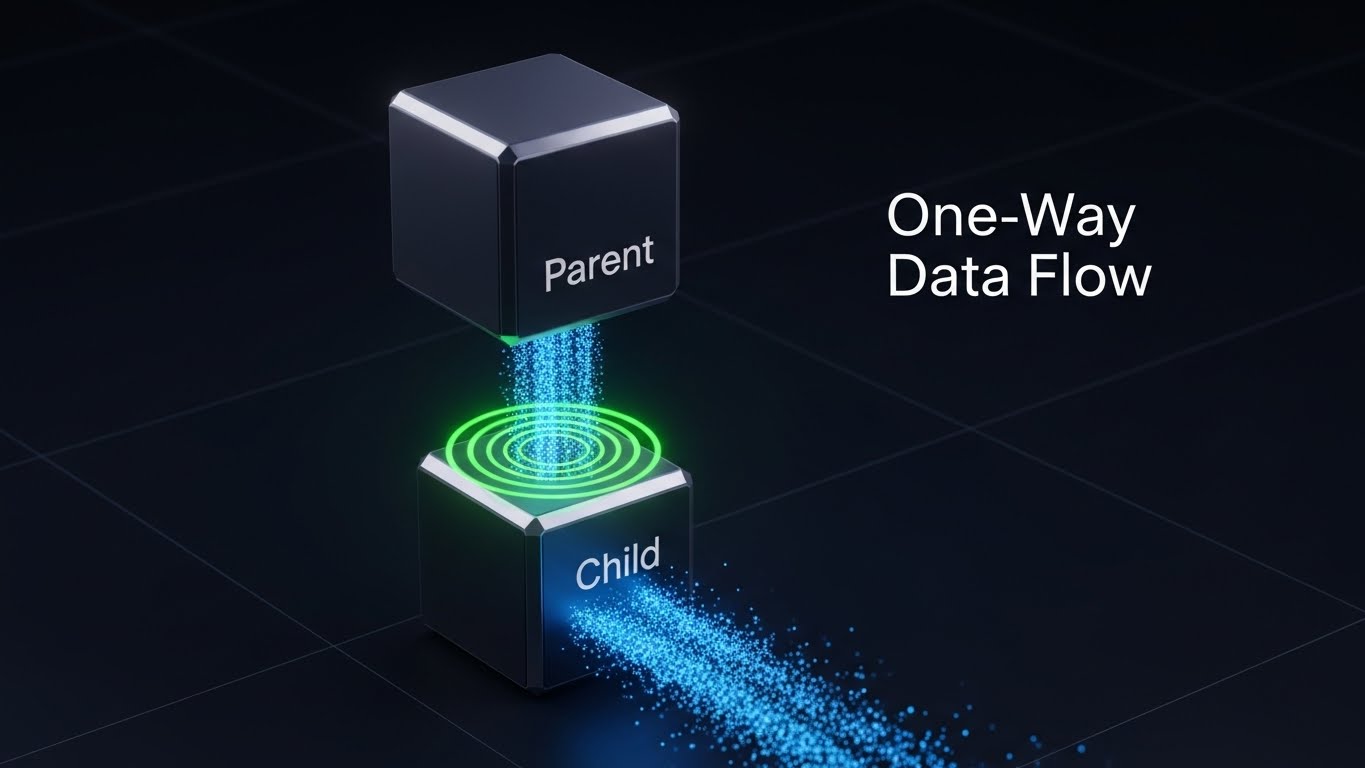
The Rule: One-Way Data Flow
- Props: Data goes DOWN (Parent -> Child).
- Events: Messages go UP (Child -> Parent).
You must never mutate a prop directly in the child. If the child needs to change it, it asks the parent to change it.
1. Props (Passing Data Down)
In the Child (UserProfile.vue):
<script setup lang="ts">
// Define what props this component accepts
defineProps<{
  username: string
  age?: number // Optional
}>()
</script>

<template>
  <div class="card">
    <h2>{{ username }}</h2>
    <p v-if="age">Age: {{ age }}</p>
  </div>
</template>
In the Parent (App.vue):
<template>
  <UserProfile username="Jack" :age="30" />
</template>
2. Emits (Sending Events Up)
Sometimes a child needs to tell the parent something happened (e.g., “Delete me”, “Value changed”).
In the Child (ButtonCounter.vue):
<script setup lang="ts">
// 1. Define valid events
const emit = defineEmits<{
  (e: 'increase', amount: number): void
}>()

function onClick() {
  // 2. Emit the event with payload
  emit('increase', 5)
}
</script>

<template>
  <button @click="onClick">Add 5</button>
</template>
In the Parent:
<script setup lang="ts">
import { ref } from 'vue'
const count = ref(0)

function handleIncrease(amount: number) {
  count.value += amount
}
</script>

<template>
  <p>Total: {{ count }}</p>
  <!-- Listen to the custom event -->
  <ButtonCounter @increase="handleIncrease" />
</template>
Challenge for Day 7
- Create a child component
ProductCard.- Props:
name(string),price(number). - Emit:
addToCart(sends thenamepayload). - Template: Display info + “Add to Cart” button.
- Props:
- Create a Parent component.
- Data:
cart(array of strings). - Render 2
ProductCards. - When “Add to Cart” is clicked, push the name into the
cartarray.
- Data:
Solution:
Child (ProductCard.vue)
<script setup lang="ts">
const props = defineProps<{ name: string; price: number }>()
const emit = defineEmits<{ (e: 'addToCart', name: string): void }>()
</script>

<template>
  <div class="card">
    <h3>{{ name }} - ${{ price }}</h3>
    <button @click="emit('addToCart', name)">Add to Cart</button>
  </div>
</template>
Parent (App.vue)
<script setup lang="ts">
import { ref } from 'vue'
import ProductCard from './ProductCard.vue'

const cart = ref<string[]>([])

function onAdd(name: string) {
  cart.value.push(name)
}
</script>

<template>
  <h2>Cart: {{ cart.length }} items</h2>
  <ProductCard name="Laptop" :price="999" @addToCart="onAdd" />
  <ProductCard name="Phone" :price="499" @addToCart="onAdd" />
</template>
Congratulations! You have finished Part 1 of the course. You can now build fully functional component-based apps. Part 2 starts tomorrow with Slots and Composables.