Day 9 — Data Fetching: The Modern Way
🧭 Day 9 — Data Fetching: The Modern Way
Zero to Hero — Hands-on Next.js Tutorial
In the old days (React SPA), fetching data meant:
- Render component (loading state).
useEffecttriggers.fetch()runs.- Re-render with data. This caused “Waterfalls” and layout shifts.
In Next.js App Router, we fetch on the server, before we send any UI.
🟦 1. Async Server Components
Because Server Components run on the server, we can make them async.
We can await our data right in the component body!
async function getData() {
  const res = await fetch('https://api.example.com/posts');
  if (!res.ok) throw new Error('Failed to fetch data');
  return res.json();
}

export default async function Page() {
  const data = await getData(); // The browser NEVER sees this request happen!

  return (
    <main>
      <h1>My Posts</h1>
      <ul>
        {data.map(post => <li key={post.id}>{post.title}</li>)}
      </ul>
    </main>
  );
}
Benefits:
- Faster: The server (usually) has a faster connection to your DB/API than the user’s phone.
- Secure: API keys used in
getData()are never exposed to the client. - No Loaders: The Initial HTML sent to the browser already contains the data.
🟩 2. Request Memoization
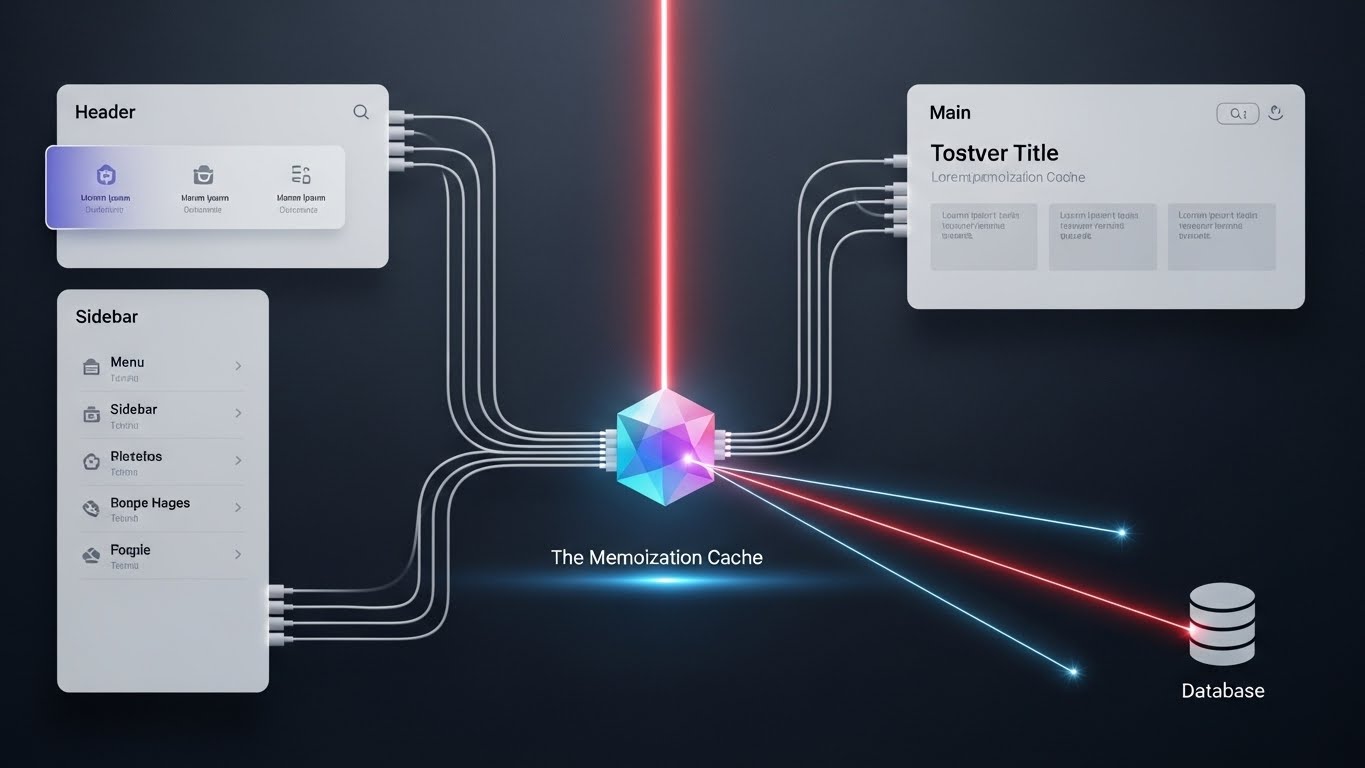
“But wait! If I need the user data in the Navbar, Sidebar, and Profile components, won’t I fetch it 3 times?”
No. Next.js extends the native fetch API.
If you call fetch('https://api/user') multiple times in the rendering of a single page, Next.js performs the request once and reuses the result.
You don’t need Context or Redux just to share fetch data anymore. Just fetch it where you need it.
🟧 3. The cache options
Next.js gives you granular control over caching via the fetch options.
force-cache(Default): Static Site Generation (SSG). Fetched once at build time.fetch('...', { cache: 'force-cache' })no-store: Server Side Rendering (SSR). Fetched on every request.fetch('...', { cache: 'no-store' })next: { revalidate: 3600 }: Incremental Static Regeneration (ISR). Cached for 1 hour, then refreshed.fetch('...', { next: { revalidate: 3600 } })
🧪 Challenge: Day 9
- Find a public API (e.g., JSONPlaceholder or PokeAPI).
- Create a Page that is
async. - Fetch a list of items (e.g., Pokemon) and render them.
- Notice there is no flashing “Loading…” spinner? It arrives fully formed!
See you tomorrow for Static Site Generation (SSG)! 🧱