#nextjs
#crud
#prisma
#server-actions
Day 24 — CRUD Operations: Full Stack Flow
🧭 Day 24 — CRUD Operations: Full Stack Flow
Zero to Hero — Hands-on Next.js Tutorial
We have the database (Prisma). We have the mutation method (Server Actions). Let’s build the “Hello World” of full-stack apps: A Todo List.
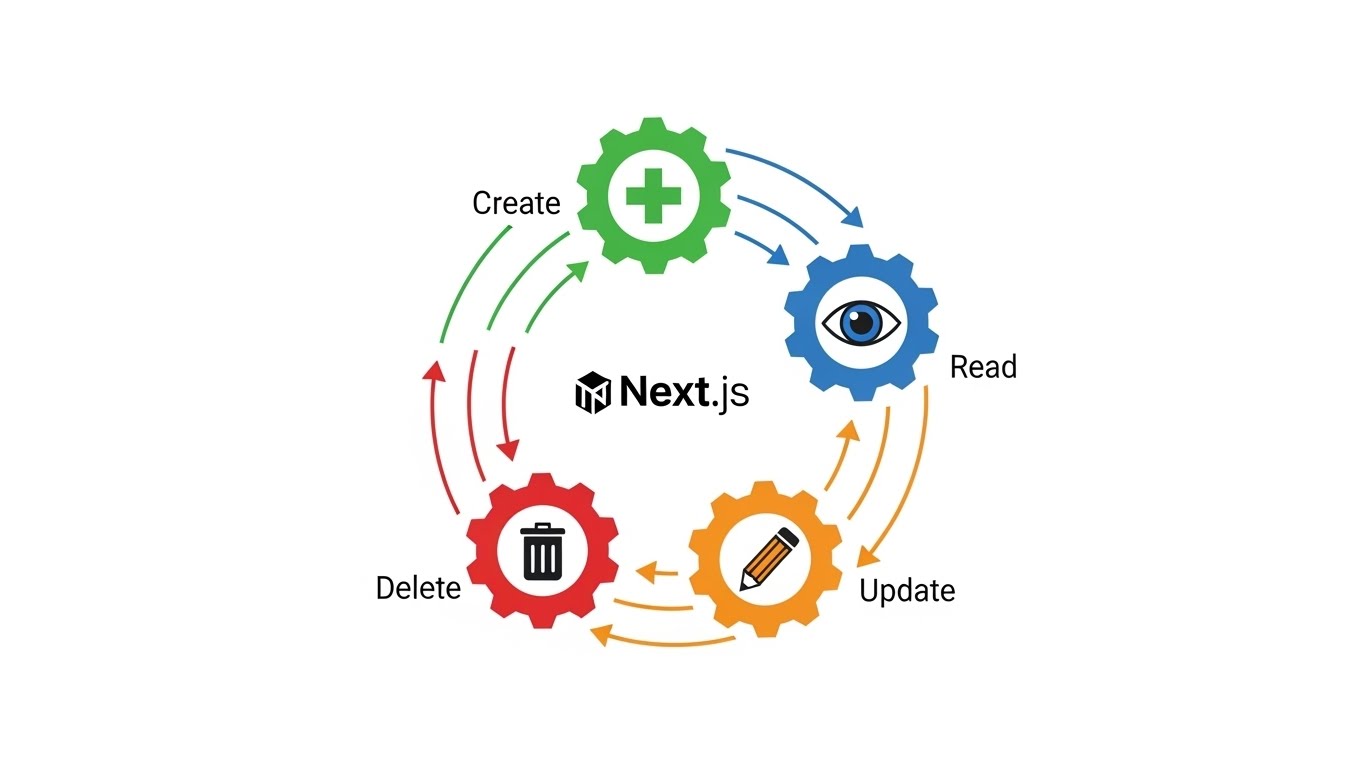
🟦 1. Read (Server Component)
src/app/page.tsx:
import { prisma } from '@/lib/prisma';
import { AddTodo } from './AddTodo';
import { DeleteTodo } from './DeleteTodo';

export default async function Page() {
  const todos = await prisma.todo.findMany({
    orderBy: { createdAt: 'desc' }
  });

  return (
    <main>
      <h1>Todo List</h1>
      <AddTodo />
      <ul>
        {todos.map(todo => (
          <li key={todo.id} className="flex gap-2">
            <span>{todo.title}</span>
            <DeleteTodo id={todo.id} />
          </li>
        ))}
      </ul>
    </main>
  );
}
🟩 2. Create (Server Action)
src/app/actions.ts:
'use server';

import { prisma } from '@/lib/prisma';
import { revalidatePath } from 'next/cache';

export async function createTodo(formData: FormData) {
  const title = formData.get('title') as string;
  await prisma.todo.create({ data: { title, done: false } });
  revalidatePath('/');
}
🟧 3. Delete (Server Action + Client Button)
Note: We need a Client Component for the button to bind the ID? Actually, no!
We can use .bind or a hidden input.
src/app/DeleteTodo.tsx (Client optimized for UX, or Server form):
// Using a form for pure server action call
import { deleteTodo } from './actions';

export function DeleteTodo({ id }: { id: string }) {
  const deleteWithId = deleteTodo.bind(null, id);

  return (
    <form action={deleteWithId}>
       <button className="text-red-500">Delete</button>
    </form>
  )
}src/app/actions.ts:
export async function deleteTodo(id: string) {
  await prisma.todo.delete({ where: { id } });
  revalidatePath('/');
}
🟥 4. Update (Toggle Done)
Same pattern!
- Identify the ID.
- Update the record.
- Revalidate.
🧪 Challenge: Day 24
- Build this Todo app.
- Add a checkbox for “Done”.
- When checking the box, trigger a Server Action (
toggleTodo) that updates dynamic DB values. - Style it with Tailwind to look decent.
See you tomorrow for Caching Deep Dive! 🧠