Day 13 — RxJS Basics: Observables, Subjects & Operators
📘 Day 13 — RxJS Basics: Observables, Subjects & Operators
Zero to Hero — Hands-on Angular Tutorial
Today you will learn:
- ✔️ What is RxJS? (Reactive Extensions for JavaScript)
- ✔️ Observable vs. Promise vs. Signal
- ✔️ Creating & Subscribing to Observables
- ✔️ Essential Operators:
map,filter,tap - ✔️ Subject vs. BehaviorSubject
- ✔️ Avoiding Memory Leaks
Even with Signals, RxJS is still essential for complex async tasks like HTTP requests, event streams, and websockets.
🟦 1. What is an Observable? ($)
Think of an Observable as a Tube (Stream). Data (water) flows through it over time. You only get the data if you “Subscribe” (turn the tap on).
Promise (Standard JS):
- Returns one value.
- Executes immediately.
- Cannot be cancelled.
Observable (RxJS):
- Returns multiple values over time.
- Lazy (doesn’t start until you subscribe).
- Cancellable (Unsubscribe).
Convention: Variables holding observables often end with $.
🟩 2. Creating & Subscribing
app.component.ts:
import { Component, OnInit } from '@angular/core';
import { of, from, interval } from 'rxjs';

@Component({...})
export class AppComponent implements OnInit {

  ngOnInit() {
    // 1. 'of' emits values one by one and completes immediately
    const numbers$ = of(1, 2, 3, 4, 5);

    numbers$.subscribe(val => console.log('Value:', val));
    // Output: 1, 2, 3, 4, 5

    // 2. 'from' converts an Array/Promise to an Observable
    const array$ = from(['Alice', 'Bob', 'Charlie']);

    array$.subscribe(name => console.log('Name:', name));

    // 3. 'interval' emits numbers over time (Every 1000ms)
    const timer$ = interval(1000);

    const sub = timer$.subscribe(time => console.log('Timer:', time));

    // STOP the timer after 5 seconds to prevent memory leaks!
    setTimeout(() => sub.unsubscribe(), 5000);
  }
}
🟧 3. The Power of Pipeable Operators
Pipeable operators allow you to transform, filter, or act on data before it reaches the subscriber.
Import them from rxjs/operators.
import { of } from 'rxjs';
import { map, filter, tap } from 'rxjs/operators';

const nums$ = of(1, 2, 3, 4, 5);

nums$.pipe(
  tap(n => console.log(`Debug: Processing ${n}`)), // 1. Side Effect (Log)
  filter(n => n % 2 === 0),                        // 2. Filter (Keep evens: 2, 4)
  map(n => n * 10)                                 // 3. Transform (Multiply: 20, 40)
).subscribe(final => console.log('Result:', final));

// Output:
// Result: 20
// Result: 40tap: “Look but don’t touch”. Good for debugging/logging.filter: Block data that doesn’t match criteria.map: Modification (like Array.map).
🟥 4. Subject vs. BehaviorSubject
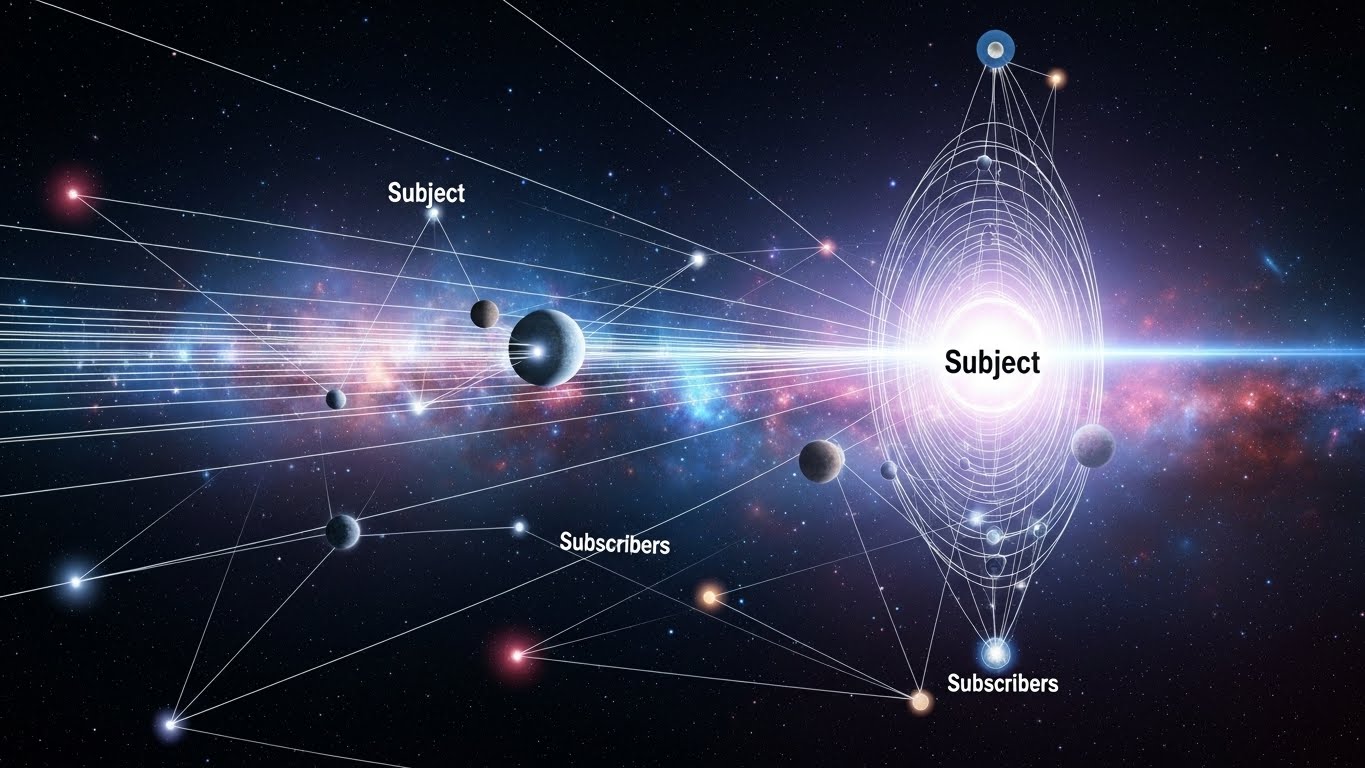
Sometimes you need to create your own data stream (Multicasting).
Subject
- Just a trigger.
- Late subscribers miss previous values.
import { Subject } from 'rxjs';

const ping$ = new Subject<string>();

ping$.subscribe(v => console.log('Sub A:', v));

ping$.next('Hello'); // Sub A sees "Hello"

ping$.subscribe(v => console.log('Sub B:', v)); // Sub B sees NOTHING yet (missed 'Hello')

ping$.next('World'); // Sub A & Sub B see "World"
BehaviorSubject (Most Common in Angular)
- Requires an initial value.
- Late subscribers always get the last value immediately.
import { BehaviorSubject } from 'rxjs';

// Initial value: 'Loading'
const state$ = new BehaviorSubject<string>('Loading...');

state$.subscribe(v => console.log('App:', v));
// Output: "App: Loading..." (Immediately!)

state$.next('Loaded!');
// Output: "App: Loaded!"
Use Case: Storing User Profile, Theme, or Config data where components need the current value instantly on load.
🟫 5. RxJS in Angular Services
This is the standard pattern for state before Signals (and still widely used).
theme.service.ts:
@Injectable({ providedIn: 'root' })
export class ThemeService {
  // Private source (Writing)
  private darkModeSub = new BehaviorSubject<boolean>(false);

  // Public stream (Reading)
  darkMode$ = this.darkModeSub.asObservable();

  toggle() {
    // Get current value, flip it, emit new value
    this.darkModeSub.next(!this.darkModeSub.value);
  }
}app.component.ts:
constructor(private theme: ThemeService) {}

ngOnInit() {
  // React to changes
  this.theme.darkMode$.subscribe(isDark => {
    document.body.classList.toggle('dark', isDark);
  });
}
🎉 End of Day 13 — What You Learned
Today you entered the world of Reactive Programming:
- ✔️ Observables: Streams of data over time.
- ✔️ Subscription: Turning the stream on (and off).
- ✔️ Operators:
map,filter,tapto manipulate streams. - ✔️ BehaviorSubject: Holding “current state” for late subscribers.
🧪 Day 13 Challenge
Build a “Real-time Search Simulation”.
Requirements:
- Create an input field using
FormControl(Reactive Forms). - Subscribe to
valueChanges. - Use operators:
debounceTime(500): Wait for user to stop typing for 500ms.distinctUntilChanged(): Don’t search if the text hasn’t changed.map(): Convert text to Uppercase.
- Log the final search term to the console.
Hint:
myInput.valueChanges.pipe( ... ).subscribe( ... )